
Two apps, no app store
Members’ App
Pavilion comes with two apps and two more screens for the clubhouse. Members get bookings, the rota, the noticeboard, their subscription and their membership card. Committee members get an admin app to run the club from the green. Behind the bar there is a Duty Steward tablet and a sign-in kiosk for the door. All of them install to the home screen — nothing to download from an app store, and no fees to anybody.


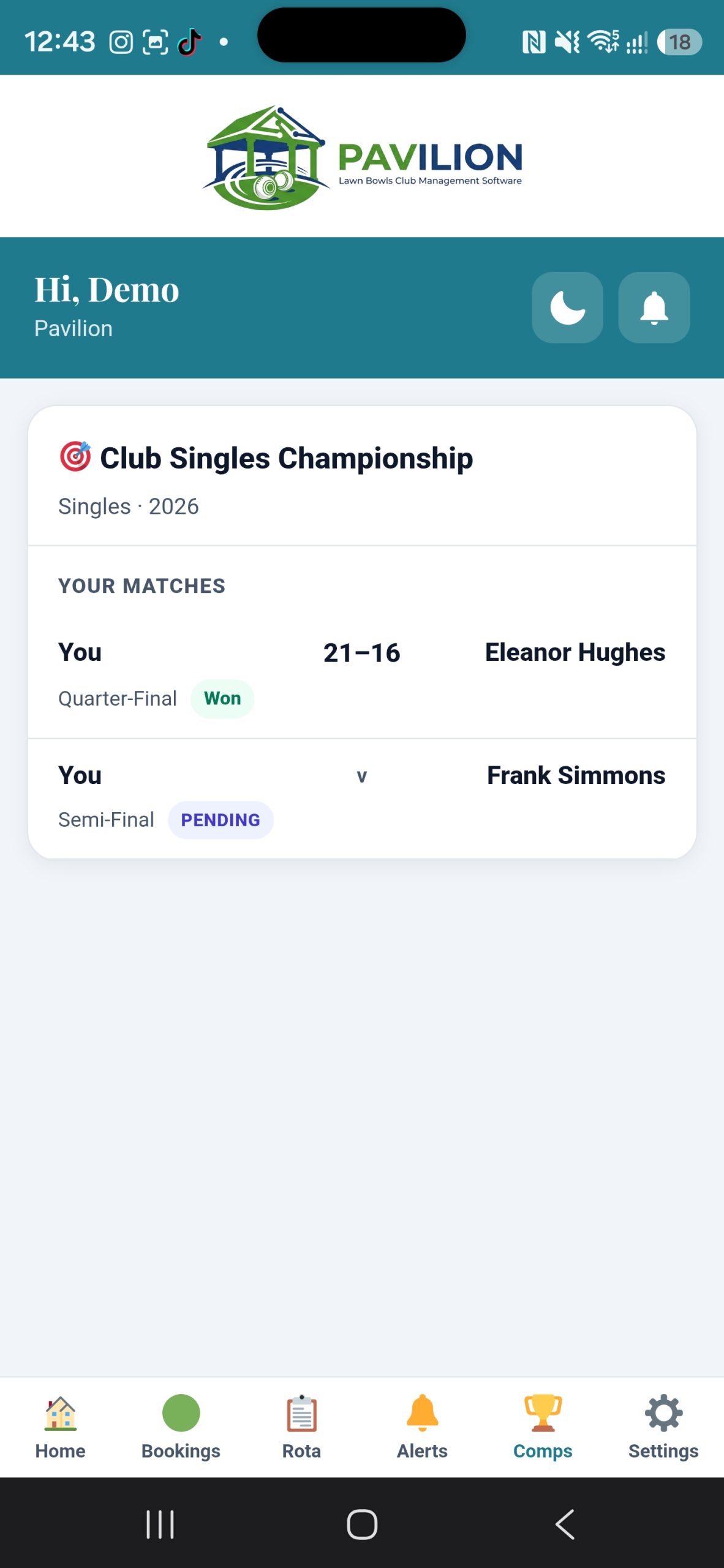
In every member’s pocket
A members’ app they’ll actually use
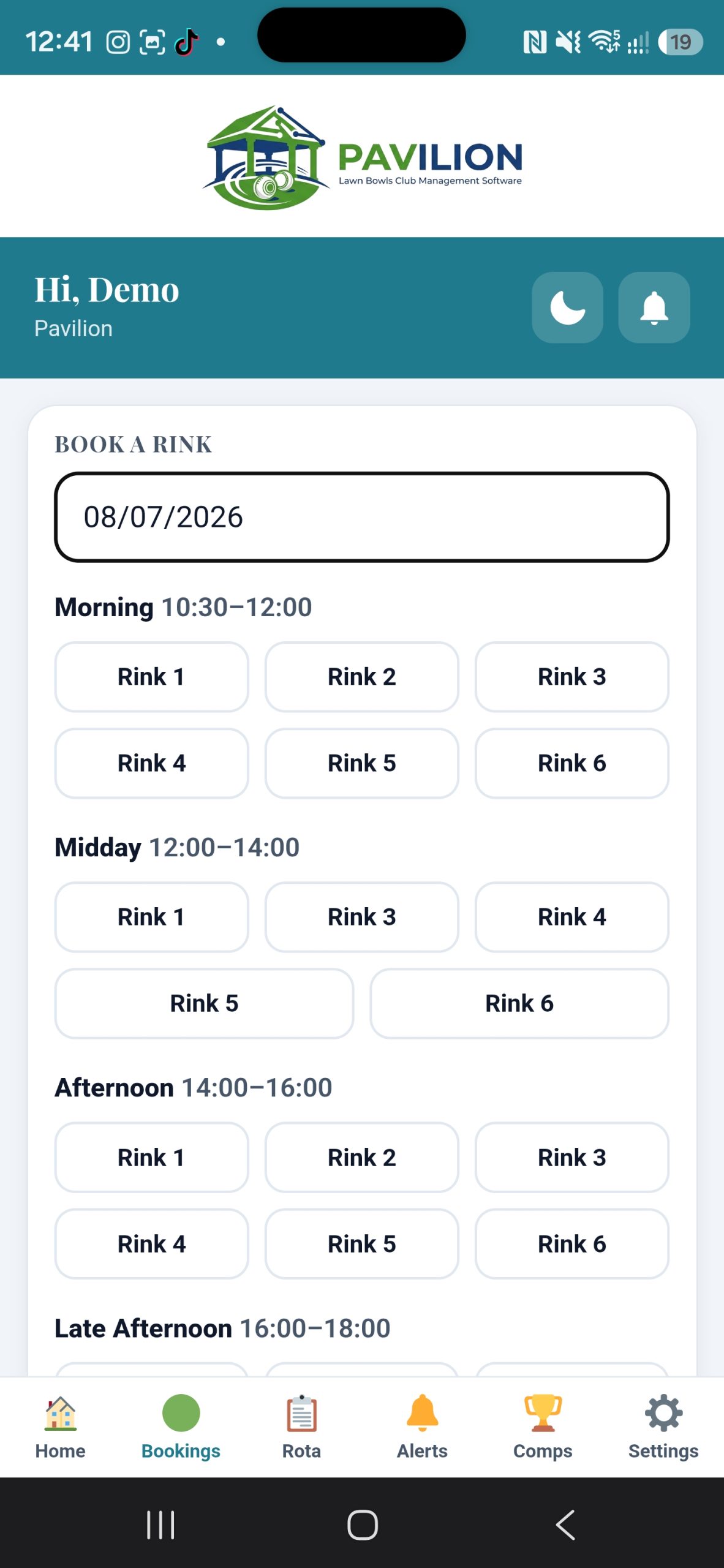
- Book a rink and see the availability grid — rinks and times already taken are greyed out as they choose, rather than refused at the last step
- Name the others in their group as they book, and say what time they will actually be on the rink
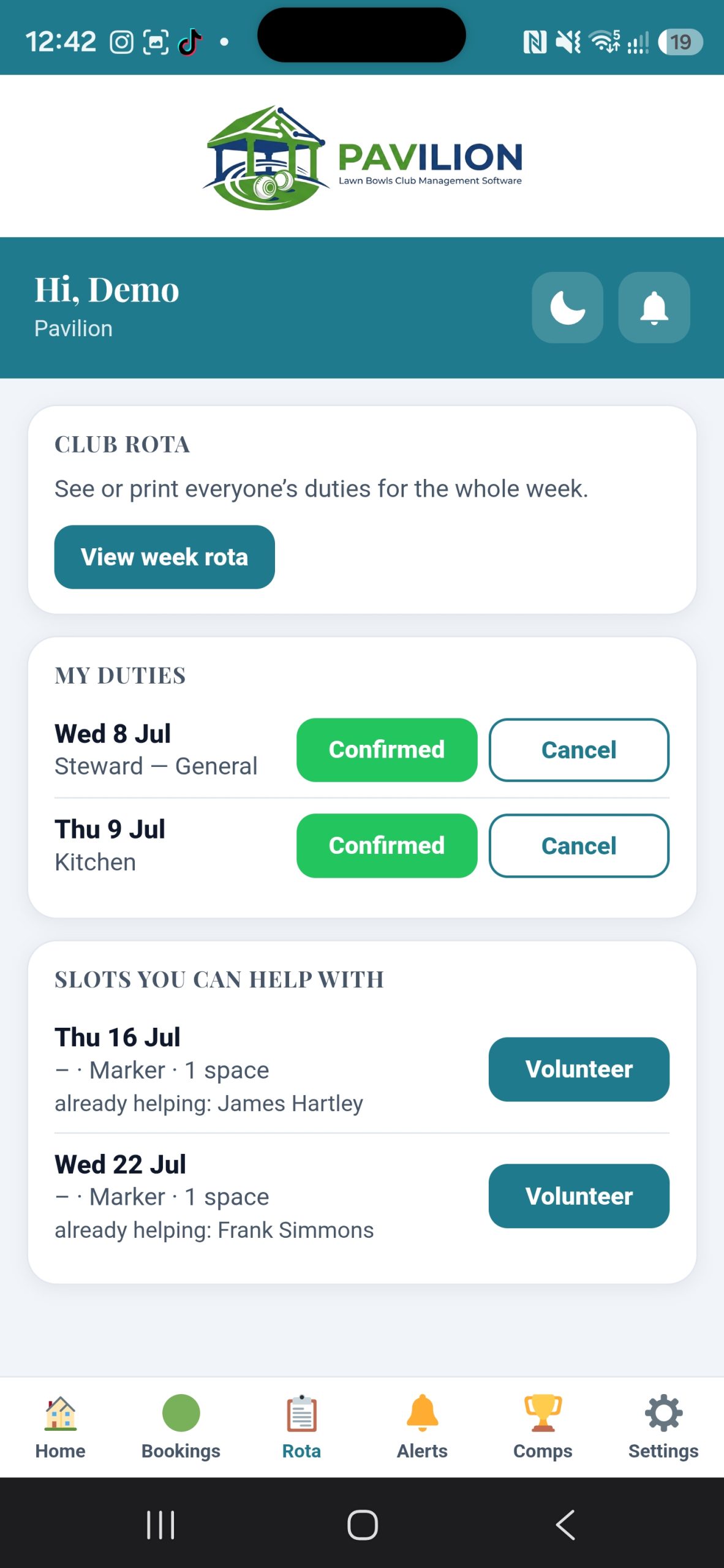
- Check the duty rota and who’s on the green
- Read the noticeboard, news and club officials
- Digital membership card and QR check-in
- Learn to bowl — everything a new member wants to ask but never does. Read in the app or on a laptop, with the same progress either way, and printable for anybody who would rather read it at the kitchen table
- Nobody sees how far anybody else has got, which is what makes people willing to start at the beginning
- See what you owe and pay the club in a couple of taps
- Know where they stand with their subscription — when it is due, how much, and whether they are paid up. Not due yet and three weeks late read differently, which is fairer on the member who is not late and more use to the one who is
- Every till receipt they have ever had, ready to print or share as a plain receipt — for anybody claiming an expense back
- Claim an expense from their phone, with a photograph of the receipt, and watch it through to being paid
- Order from the club shop, with a basket that stays out of the way until there is something in it
- Alerts on the phone when something changes — and the same on a laptop for the members who never install it
- Manage your own consent, and tell the club if you are leaving
- Sign in with Face ID or a fingerprint — no password to forget
- Install to the home screen — no app store, no fees
- And getting the club onto it is one screen and one button — a one-time link each, never a password in an email
A look inside
Designed to be quick on the green

The admin app
Run the club from the green
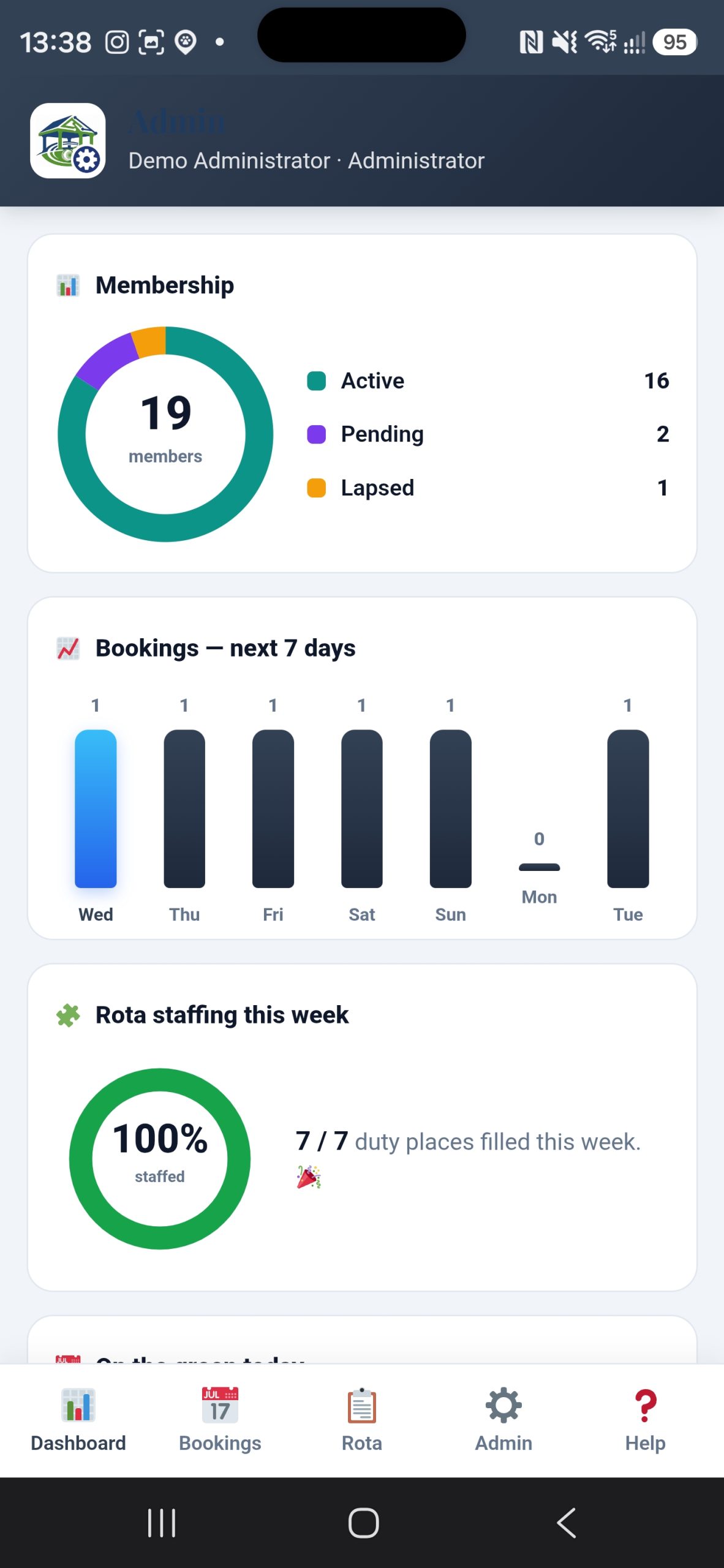
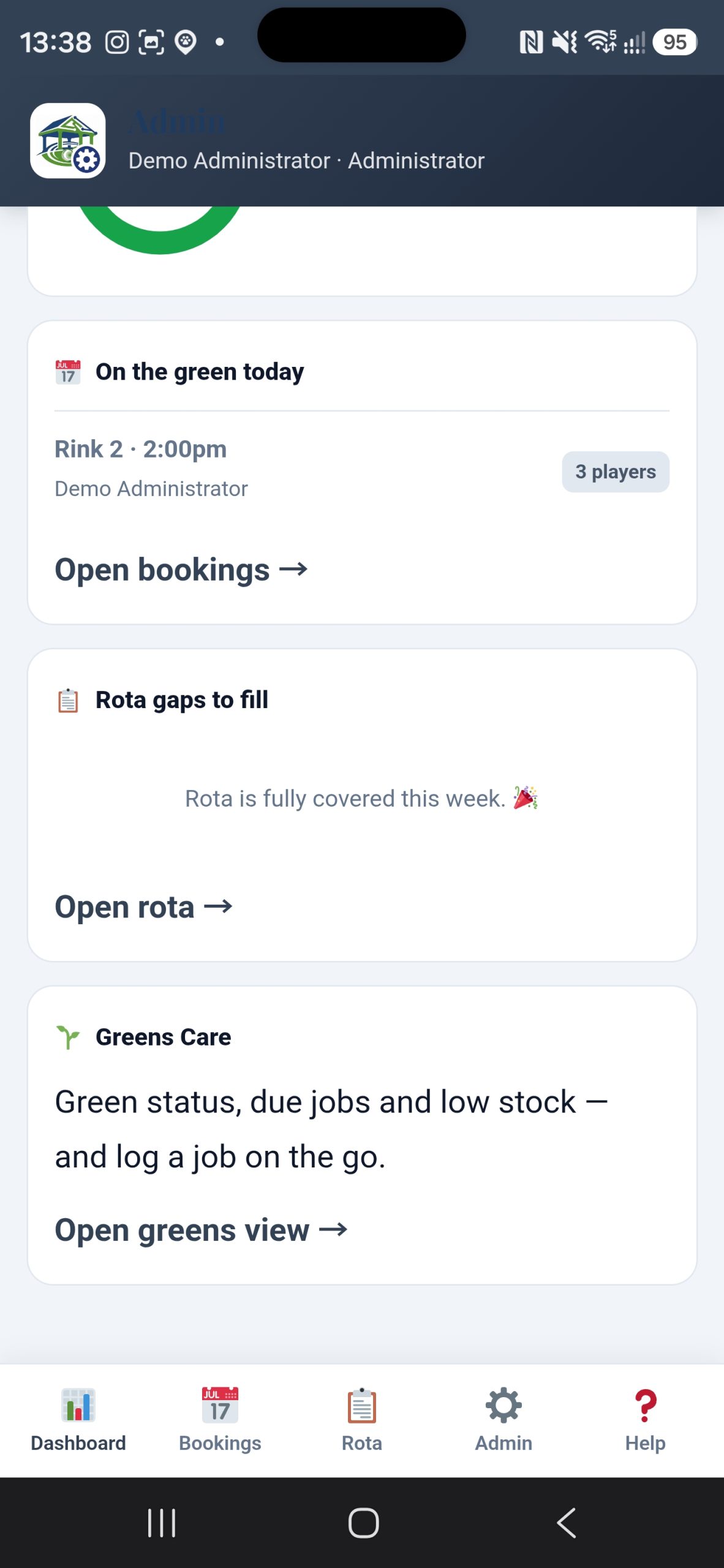
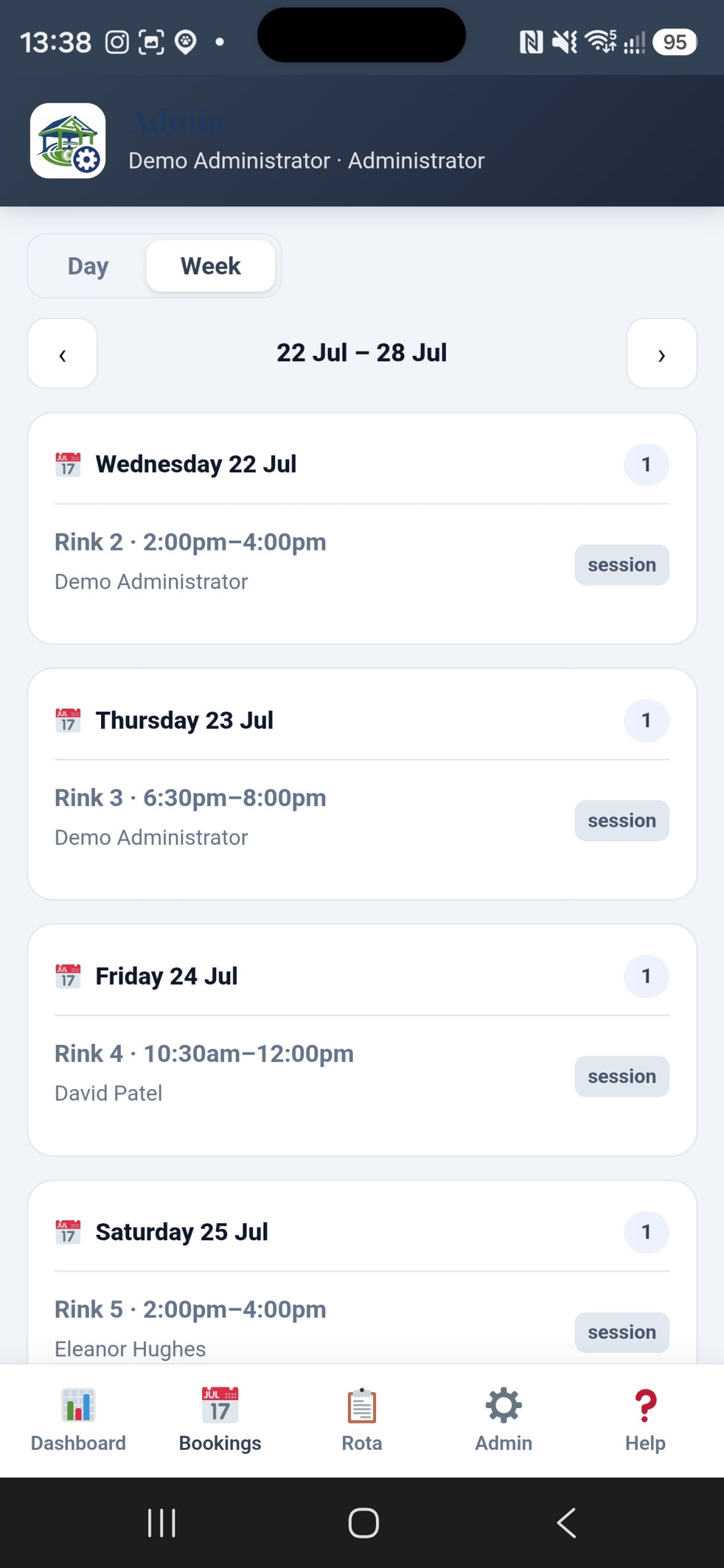
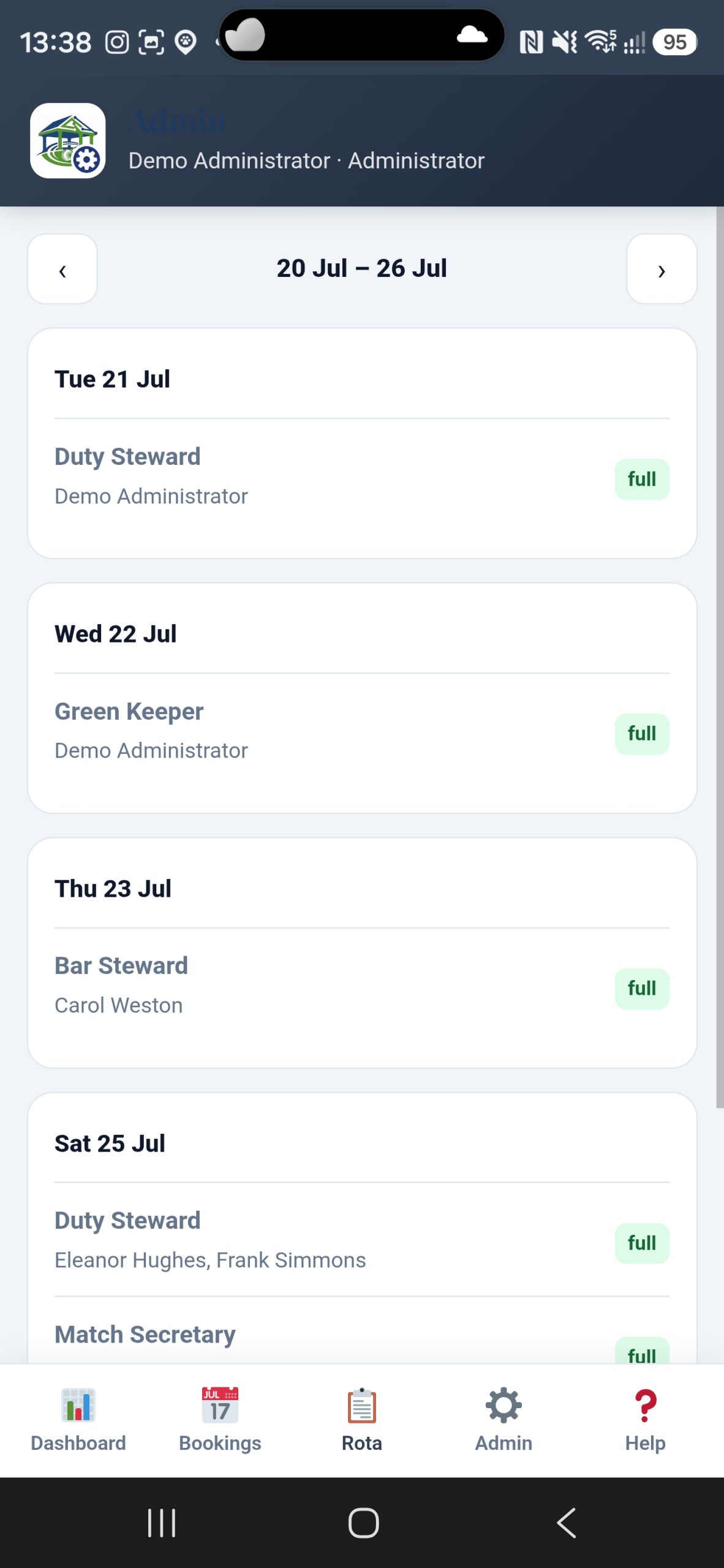
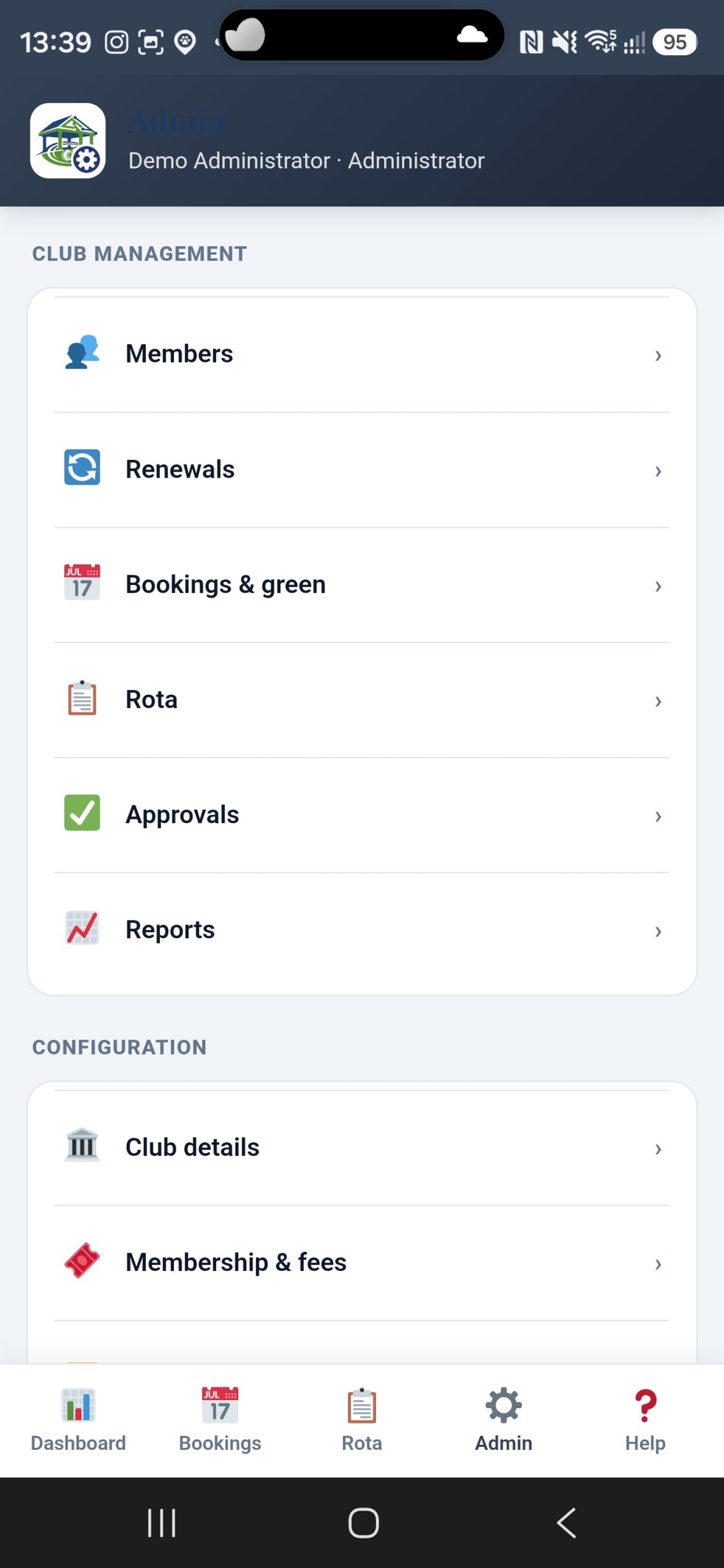
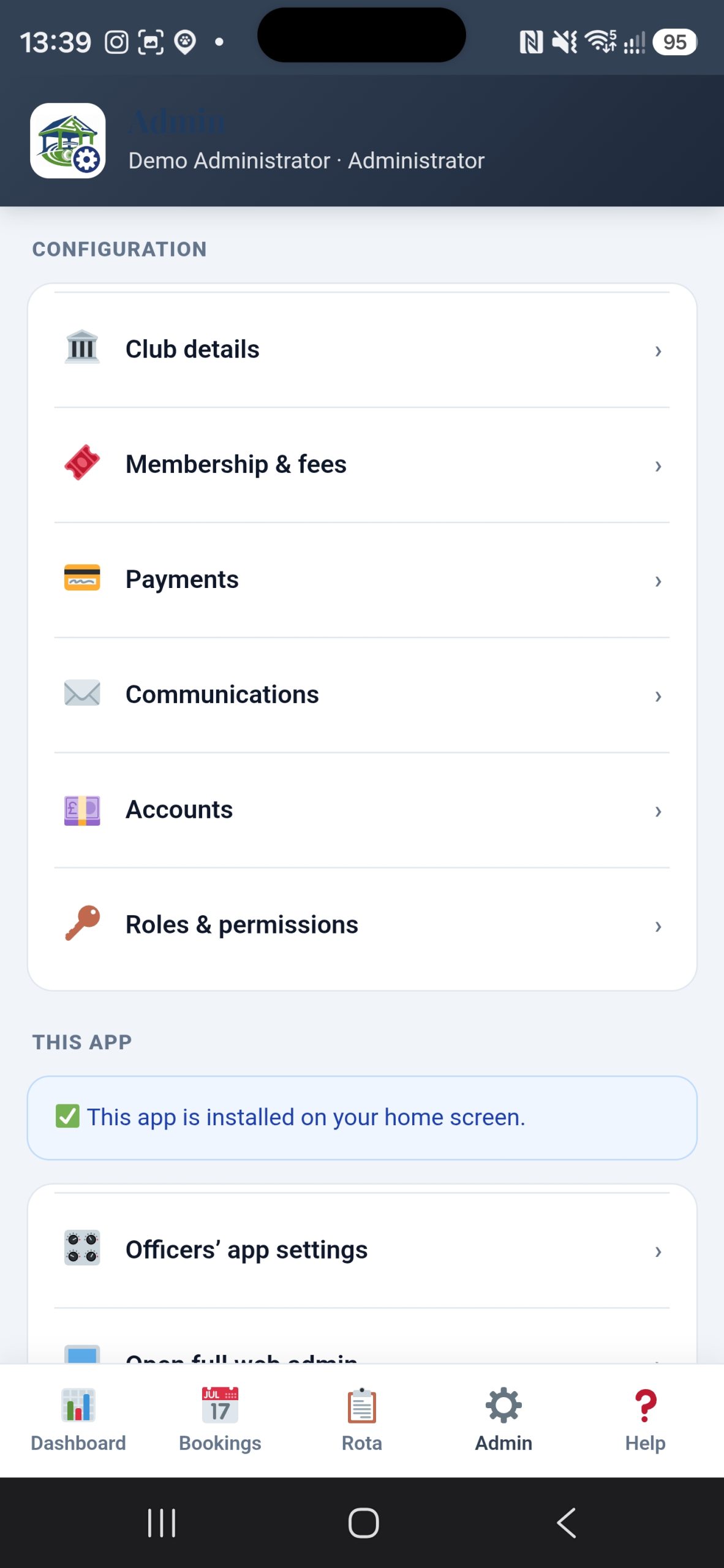
A separate app for your committee. Approve a new member, take a payment, call a rain-off or check who is on duty — without going back to a laptop. Only administrators can sign in; anyone else is sent to the members’ app.

For the committee
The club in your pocket
- Approve applications and renewals on the spot
- Take a payment or mark a subscription paid
- Call a rain-off and notify every member
- See today’s bookings, duties and sign-ins
- Administrator sign-in only — kept separate from members
A look inside
Everything a committee needs, on a phone

Installs like an app
Add to the home screen from the browser — a real app icon, full-screen, no download.
Face ID & fingerprint sign-in
Members sign in by looking at their phone instead of remembering a password. Their face or fingerprint never leaves the device.
Push notifications
Members get club updates, rain-off alerts and reminders straight to their phone.
Card & QR check-in
A digital membership card and a QR code to sign in at the clubhouse.
Your club, not ours
Your name, logo, colours and app icon — it sits on the home screen as your club’s app.
Pay from the app
Members see what they owe — subscriptions, guest fees, match fees — and settle it in a couple of taps.
In the clubhouse
Two more screens, and neither of them is a laptop
A club runs on the things that happen at the bar and the door, not at a desk. Both of these are ordinary tablets with a Pavilion icon on the home screen — open full screen, no browser round them, nothing to buy.
🧑🍳 The Duty Steward tablet
- The whole day on one screen — who is booked, who has arrived, which rinks are free
- Whoever is on duty starts their shift with their own PIN, so the guest fees they take and the arrivals they mark carry their name and the cash-up adds up to a person
- A shift left running overnight lapses on its own — the morning always starts locked
- Take a booking without leaving it: press any free rink and the form already knows the rink, the session and the day
- Arrival checks — a four booked for two who will not be along until three have left an hour of green standing idle, and until somebody says so nobody can use it
- Guests, green fees, the till and the cash-up, without walking to the office
- Print the rink sheet for the clipboard by the door

✍️ The sign-in kiosk
- A tablet by the door. Members search their surname and tap — no logging in, no passwords, nothing to remember
- Visitors sign themselves in, say who brought them and whether they are bowling, and the green fee follows automatically
- Everyone is signed out overnight, so a forgotten sign-out does not become tomorrow’s wrong number
- A staff PIN keeps a member inside the kiosk rather than loose in your website
- Always full screen, with no menus or footer to wander off into — which on a tablet by a door is not a preference
- A dated record of who was on the premises, which is the thing an insurer asks for and nobody has